What Happens if Your Passport Is Damaged at TSA
TSA's RF chip readers can flag a damaged passport chip, and severe damage may get you denied boarding. Here's what counts as damage, and what to do next.
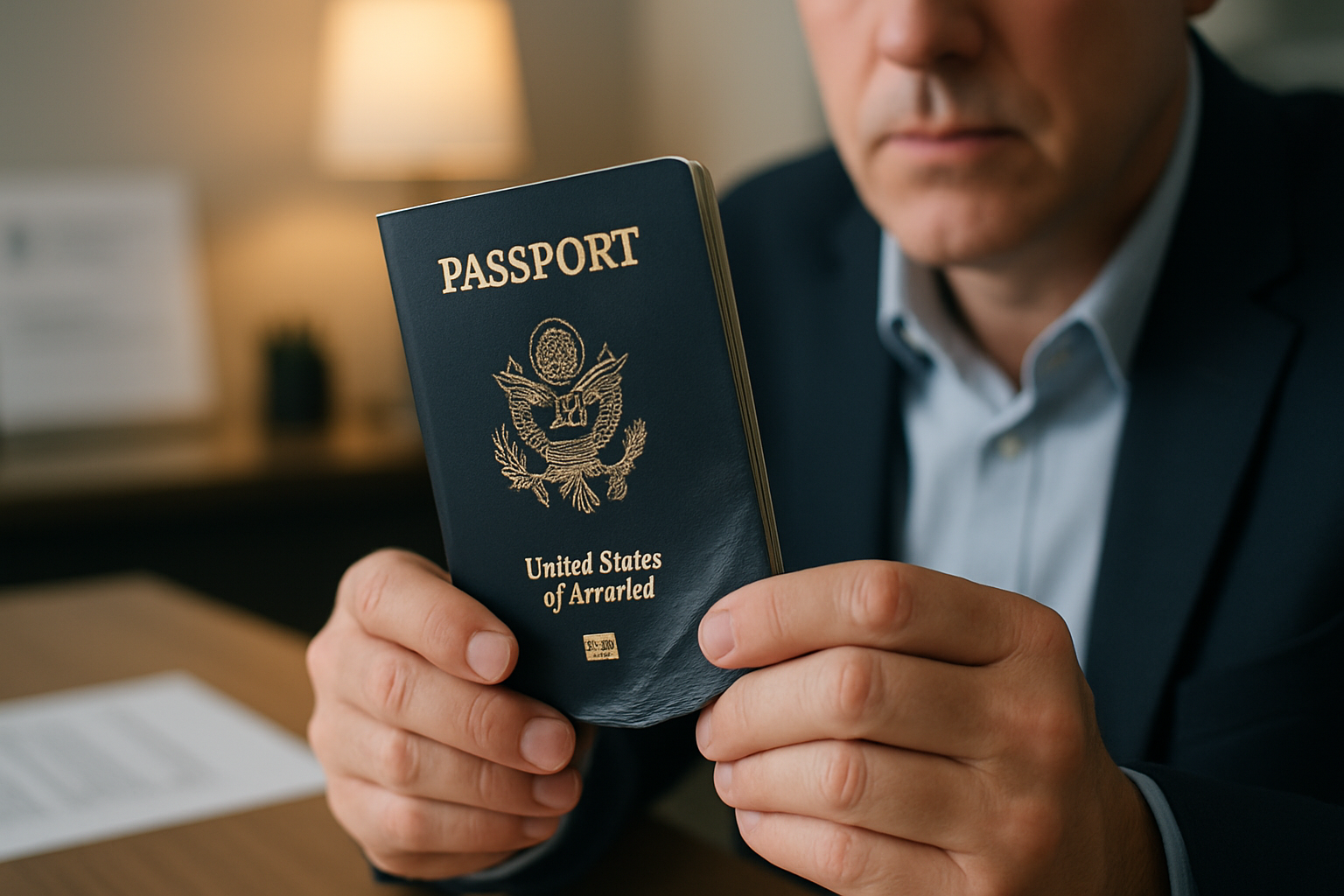
TL;DR
TSA uses RF chip readers to verify your passport’s biometric data. A damaged chip can trigger a manual check and slow you down. Severe physical damage — water-warped data pages, delaminated photos, or illegible text — can get you denied boarding entirely. Know the line between acceptable wear and real damage before you travel.
At a glance
- TSA reads: RF/RFID chip (biometric data), visual inspection of data page and photo
- Chip failure result: manual secondary check — slow, but usually resolvable
- Severe damage result: possible denial of boarding; apply for emergency passport next day
- Wear and tear: cosmetic wear is fine; structural damage to the data page or chip is not
- Replace damaged passports: DS-11 in person at a passport acceptance facility or agency
- Emergency replacement: regional passport agency, 1–3 business days
Why this matters
Most people don’t think about their passport’s condition until they’re standing at a TSA checkpoint or airline counter. That’s the wrong time to find out there’s a problem. A passport with a damaged biometric chip, a peeling photo, or water-warped pages can turn a routine departure into a missed flight and an unplanned trip to a passport agency.
Understanding what TSA looks for — and where the line is between acceptable wear and a document you need to replace — helps you avoid that situation entirely.
How TSA inspects a passport
When you hand your passport to a TSA officer, two things happen simultaneously.
Visual inspection. The officer looks at the photo page to confirm that the person in the photo matches the person in front of them, that the name and date of birth are legible, and that the document hasn’t been obviously altered or tampered with.
Electronic scan. Most U.S. international airports use RF (radio frequency) readers to scan the biometric chip embedded in the back cover of modern U.S. passports. This chip stores a digital copy of your photo, your name, date of birth, and passport number. TSA compares the chip data against the printed data page to confirm the document hasn’t been tampered with.
Both checks must pass. A damaged chip or illegible data page causes a problem at either or both stages.
What happens when the chip is damaged
A damaged chip doesn’t automatically end your trip, but it adds time and uncertainty.
When the RF reader can’t scan a chip, the officer flags the passport and routes you to a manual secondary check. During that process:
- A supervisor manually inspects the passport for signs of tampering or damage
- Your identity is cross-referenced against databases using the printed data (name, passport number, date of birth)
- If the printed data is legible and your identity can be confirmed, you are typically allowed through after an additional physical screening
This process takes 15–45 minutes depending on the airport and how busy secondary inspection is. If you’re running close to your boarding time, a chip-scan failure can cause you to miss your flight even if the document is otherwise valid.
A chip failure at a foreign airport is a separate and more serious problem. Many international border authorities rely heavily on chip data. If your chip fails at customs in a foreign country and the printed data is also damaged or unclear, the local immigration officer has more discretion — and less obligation to let you through. A passport that works fine at U.S. domestic TSA may still be rejected at an international border.
Signs your passport is too damaged to travel
The State Department’s standard is whether the document can be used to confirm your identity and verify that it hasn’t been altered. In practical terms, these are the signs that a passport has crossed the line from “worn” to “damaged”:
Water damage
Water damage is the most common problem. The data page (the laminated page with your photo) can warp and delaminate if soaked. The photo can lift from the page surface, the printed text can bleed, and the chip can fail if moisture penetrated the back cover.
Too damaged: data page is warped, text is blurred or unreadable, photo has lifted or is no longer clearly visible. Probably fine: light tide marks on pages far from the data page; cover has absorbed some water but interior is intact.
Physical damage
Torn pages, a cracked spine, or a binding that has split open are signs of structural damage.
Too damaged: pages have torn partially away or a page is entirely detached; the booklet no longer closes properly because the binding is broken; the back cover (which houses the chip) is cracked or punctured. Probably fine: a worn cover, minor scuffs, dog-eared page corners.
Defaced or altered appearance
Any writing, stamps, stickers, or markings added to the data page — even innocent ones, like a child drawing on it — count as defacement. TSA and international border officers treat any apparent alteration as a potential tampering indicator.
Too damaged: any writing or markings on the data page or photo; stickers anywhere inside the booklet; unofficial stamps. Probably fine: normal visa stamps and entry/exit stamps from official border agencies.
Illegible text or photo
If the officer cannot clearly read the printed name, date of birth, or passport number, or cannot clearly identify the photo as you, the document is functionally useless.
Too damaged: name or numbers are smeared, burned, or otherwise unreadable; photo is faded, torn, or obscured. Probably fine: natural fading of cover color or exterior that doesn’t affect the data page.
The wear-and-tear vs. damage distinction
Passports are meant to be used. A 9-year-old passport is going to show it. The question is whether the document still functions.
| Condition | Category | Can you travel? |
|---|---|---|
| Worn cover, faded edges | Wear and tear | Yes |
| Soft or bent binding | Wear and tear | Usually yes |
| Full pages of entry stamps | Normal use | Yes |
| Light water mark on outer pages | Minor damage | Probably yes |
| Warped data page | Significant damage | Likely no |
| Delaminated photo | Significant damage | No |
| Torn pages near data page | Significant damage | No |
| Cracked back cover | Significant damage | Likely no |
| Any writing on data page | Defacement | No |
| Chip fails to scan | Depends on severity | Manual check required |
When in doubt, replace the passport before your trip. A replacement at routine processing speed takes 6–8 weeks. Trying to travel on a borderline document and getting denied costs you far more than the replacement fee.
What to do if you’re denied boarding
If a TSA officer or airline agent tells you your passport is too damaged to accept:
- Stay calm and ask for a written record of the denial if possible. Some airlines can note this on your booking.
- Do not try a different checkpoint with the same document — the result will be the same, and the delay is worse.
- If your flight is within 14 days: Book an appointment at a regional passport agency immediately. Regional agencies can issue a new passport in 1–3 business days. Bring your denied (damaged) passport, proof of your upcoming trip, and the standard application documents. Read our passport agency walk-in guide for exactly what to bring.
- If your flight is more than 14 days out: Apply through a passport acceptance facility using form DS-11. You cannot use the mail-in renewal form DS-82 for a damaged passport — you must appear in person.
A damaged passport is treated similarly to a lost passport: it cannot be renewed by mail. You apply in person as a new applicant.
How to prevent passport damage
Don’t store your passport in a back pocket or the bottom of a bag. Physical stress from repeated bending can crack the spine and damage the chip over time.
Use a passport cover or sleeve. A basic sleeve protects the cover from scuffs and the biometric chip from accidental RFID reads. Soft leather or fabric passport holders also reduce the chance of liquid damage from a spilled drink.
Keep your passport away from water. Sounds obvious, but beach bags, boat trips, and poolside lounging are common culprits. If your bag gets wet, remove the passport immediately and let it dry flat. Don’t bend it while wet.
Don’t put your passport through the wash. Also obvious, but passports regularly go through laundry machines in shirt pockets. Even one wash cycle can warp the data page and disable the chip.
Store digital copies. Keep a photo of your data page in your email or cloud storage. If the physical passport is damaged or lost, a digital copy helps the Embassy or passport agency confirm your identity faster.
Common pitfalls
- Assuming your passport chip is fine because it worked last time. Chip degradation can be gradual. A chip that scanned at a TSA checkpoint may fail at a European border control where the scanner is more sensitive.
- Trying to dry a wet passport with a hair dryer. Heat accelerates delamination of the data page. Let it air-dry flat at room temperature.
- Thinking a worn passport is fine because you “traveled with it before.” TSA officers use discretion. An officer who waved you through last year may not be the same one this trip — and airline check-in staff often apply a stricter standard than TSA.
- Waiting until the day of travel to check your passport condition. Check it when you book your trip, not when you’re at the airport.
What to do next
Check your passport right now. Open it to the data page and confirm the photo is fully adhered, the text is clear, and there’s no water damage or writing. Flex the cover gently — if it cracks or the chip area feels hollow, it may be time to replace it.
If your passport needs replacement, egovrush handles the full process — document checklist, photo review, and guidance on whether you qualify for mail-in renewal or need to go in person. Don’t wait until the airport finds the problem for you.
Sources: Damaged Passports — travel.state.gov, TSA Identification — tsa.gov. Fees verified April 2026.
Frequently asked questions
Can TSA damage my passport’s chip?
TSA’s RF chip readers do not damage passport chips under normal use — they are passive scanners. However, X-ray machines and physical handling can affect chips already weakened by water or prior physical damage.
Will TSA refuse to let me board if my passport is damaged?
Severe damage — illegible data page, delaminated photo, or failed chip that can’t be manually verified — can result in a boarding denial. Minor cosmetic wear does not. When in doubt, replace the passport before your trip.
What is the official definition of a “mutilated” passport?
The State Department defines a mutilated passport as one materially changed in physical appearance or composition, including by water damage, chemical exposure, heat, or substantial physical alteration. Mutilated passports cannot be renewed by mail and must be replaced in person using DS-11.
What should I do if TSA denies me boarding because of my passport?
Request documentation of the denial, then go to a regional passport agency immediately. Agencies can issue a replacement in 1–3 business days for travelers with documented upcoming travel.
Is a worn, faded passport still valid?
Generally yes — cosmetic wear does not invalidate a passport. The document is valid as long as the data page, photo, and biometric chip are fully functional and your identity can be clearly confirmed.
Can I travel internationally with a passport that has water damage?
Light water damage that leaves the data page and photo intact is often accepted. Significant water damage that warps the data page, delamainates the photo, or disables the chip will typically result in a denial at the airline counter or international border.
Need help with your passport application?
We handle the form, photo check, and tracking. Pay only after eligibility is confirmed.
Related reading
Water damage, torn pages, or a bent chip — find out exactly when a damaged passport needs replacing and how to apply in person before your next flight.
Need a same-day passport? Only a regional passport agency can issue one. Here's who qualifies, how appointments work, and what to bring on the day.
Lost your passport? Here's exactly how to report it with DS-64, apply for a replacement with DS-11, and get a new one fast — even if you travel soon.
Passport agency walk-ins are not allowed — appointments are mandatory. Here's how to get one, what to expect inside, and what to do when no slots appear.